Our Articles
Wi-Fi Planning for Warehouses and Large Spaces


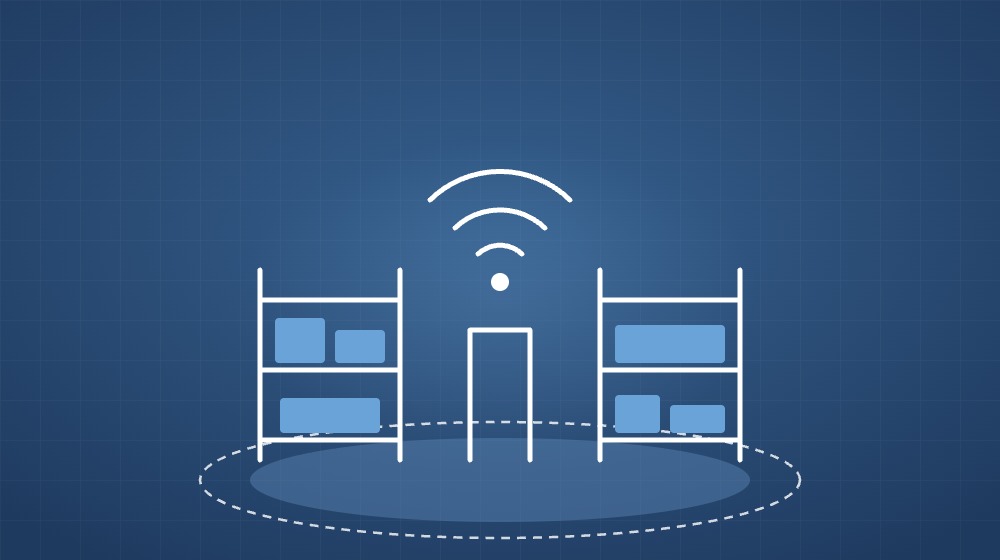
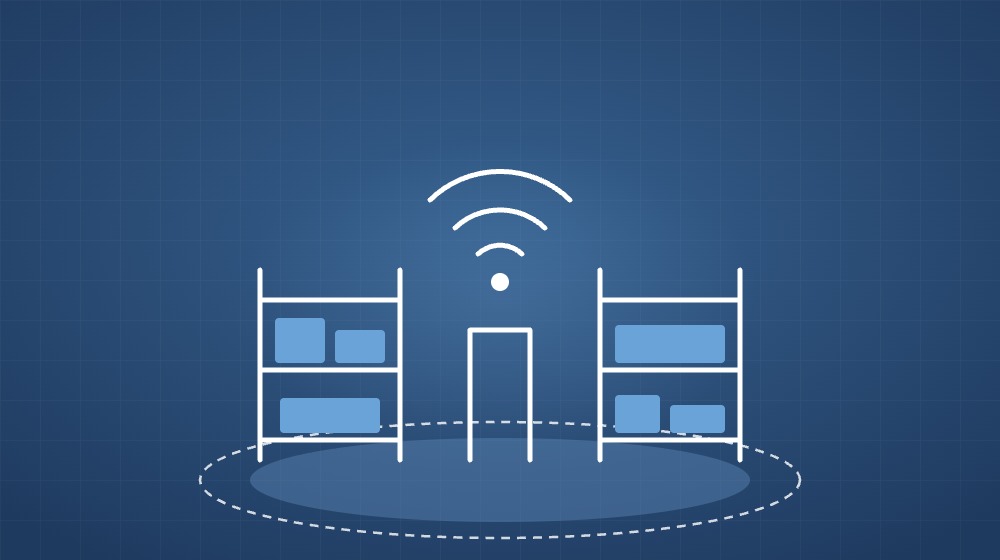
Warehouses depend on wireless networks more than ever. Handheld barcode scanners, mobile computers on forklifts, label printers, tablets and inventory systems all need a reliable connection from the loading dock to the highest rack. Yet a warehouse is one of the hardest places to deliver good Wi-Fi. Tall metal shelving, changing stock levels, high ceilings and large open areas all affect how wireless signals travel. Here is what to consider when planning or upgrading Wi-Fi in a warehouse or other large industrial space.
Start with the devices and applications, not the access points. Ask which devices will connect, where they will be used, and what they need. Barcode scanners typically use little bandwidth but require seamless roaming as workers move between aisles. Voice devices and video need low latency. Offices and break rooms inside the warehouse may need higher capacity for laptops and phones. These requirements decide how dense the network must be.
Coverage estimates made from a floor plan alone are rarely accurate in a warehouse. A wireless site survey measures how signals actually behave in the building, taking into account racking, building materials and sources of interference. Ideally the survey is done when shelves are stocked, because the materials stored, especially metal and liquids, can absorb or reflect signals and change coverage significantly.
In open offices, access points are usually mounted on the ceiling. In warehouses with very high ceilings this can leave the aisles below with weak coverage. Common approaches include:
A strong signal at every point is not enough if devices drop their connection while moving. Access points need enough overlap for devices to roam smoothly, and the network should be configured with suitable channel planning and roaming settings. Poor roaming leads to scanners freezing mid-task and staff losing time re-scanning items.
Warehouse environments can be dusty, hot and subject to vibration, so equipment should be rated for the conditions where it is installed. Centrally managed access points simplify monitoring and configuration across a large site. It is also important to confirm that the network switches can supply enough Power over Ethernet for all access points, and that cabling distances stay within standard limits.
Operational devices, staff phones and guest users should not share the same network. Separate wireless networks and VLANs keep scanners and inventory systems isolated, protect business data and make troubleshooting easier. Use strong authentication and keep firmware up to date on all wireless equipment.
Warehouses change as racking is moved, new zones are added and stock patterns shift. A design that worked on day one may develop dead spots later. Regular monitoring and periodic resurveys help catch problems before they slow down operations.
PROVE provides site surveys, structured cabling, enterprise networking and Wi-Fi solutions for businesses across the UAE, along with ongoing maintenance through AMC and managed IT services. Contact us to plan reliable Wi-Fi for your warehouse or large facility.