Our Articles
Office Relocation IT Checklist: Move Without Downtime


Moving to a new office is a chance to grow, but it is also one of the riskiest moments for your IT. Phones, internet, servers, printers and security systems all have to be switched off in one place and brought back to life in another, often over a single weekend. With good planning, your team can walk into the new office on Monday and simply start working. This checklist covers the steps that matter most for businesses relocating within the UAE.
IT is often the last thing considered in a move, yet it has the longest lead times. Internet and leased-line connections can take weeks to be provisioned at a new address, and structured cabling must be installed before furniture and ceilings are finished. Involve your IT partner as soon as the new premises are confirmed, ideally before the fit-out design is final.
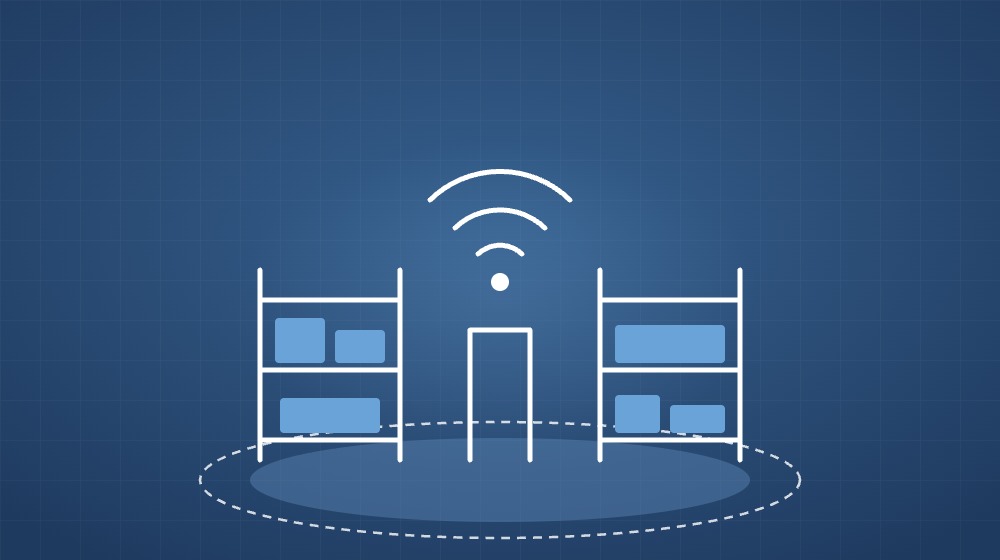
A professional site survey of the new office identifies what is already there and what is missing. Key points to check include:
Before anything is unplugged, list every device that will move: servers, switches, firewalls, access points, phones, printers, NVRs and workstations. Label each cable and port, and take photographs of racks and connections. This record makes reassembly faster and quickly shows if anything is missing or damaged during transport. It is also a good moment to retire outdated equipment rather than moving it.
Confirm with your service provider when the new internet line will be live, and request it to be active before the move date. Plan how your existing phone numbers will be transferred, whether you use a traditional PBX or an IP telephony system, so that customers can still reach you on day one. If possible, keep a backup connection available in case the main line is delayed.
Take a full, verified backup of servers and critical data before the move. Equipment can be dropped, disks can fail after being powered off, and unexpected issues can appear during reinstallation. A tested backup, ideally with a copy stored off-site or in the cloud, ensures that no business data is lost whatever happens on moving day.
Cabling, network racks, Wi-Fi access points, CCTV and access control should be installed and tested at the new site before staff arrive. When the core infrastructure is ready in advance, moving day only involves relocating servers and end-user devices, which greatly reduces downtime.
After the equipment is reconnected, run through a simple test plan: internet and Wi-Fi on every floor, phone calls in and out, access to shared files and business applications, printing, email, remote access and security systems. Fixing problems on a Sunday is far easier than during a busy Monday morning.
Even the best-planned moves produce small issues, such as a desk without a network point or a printer that needs reconfiguring. Having an IT engineer on site for the first working day or two lets these be resolved quickly and keeps your team productive.
PROVE has supported UAE businesses with IT infrastructure since 2015, covering site surveys, structured cabling, networking, Wi-Fi, servers, telephony, CCTV and access control. We can plan and manage the technical side of your relocation so your business keeps running. Contact us to discuss your upcoming move.